



Zero-native is the kind of release that makes the desktop app debate annoying again in a good way.
I do not mean “Electron is dead.” That take has been lazy for years. Electron still wins because it is boring in the places teams need boring: Chromium is bundled, the ecosystem is huge, and every web developer can more or less understand what is going on after one coffee. But Vercel Labs putting a Zig-based native shell on the table changes the conversation a little. It asks a sharper question: if your product already has a web UI, do you really need to ship the whole familiar Electron stack every time?
The project hit GeekNews near the top today, right under another local AI story that this blog already covered. The timing is funny because web teams have spent the last few years obsessing over AI agents, framework churn, and server runtimes, while desktop app packaging has stayed weirdly stuck between “just use Electron” and “please rewrite everything in native UI.” Zero-native lands somewhere more pragmatic. It says: keep the web UI, move the shell and bridge into Zig, and make the security policy explicit instead of hoping the wrapper behaves.
That is worth a closer look.
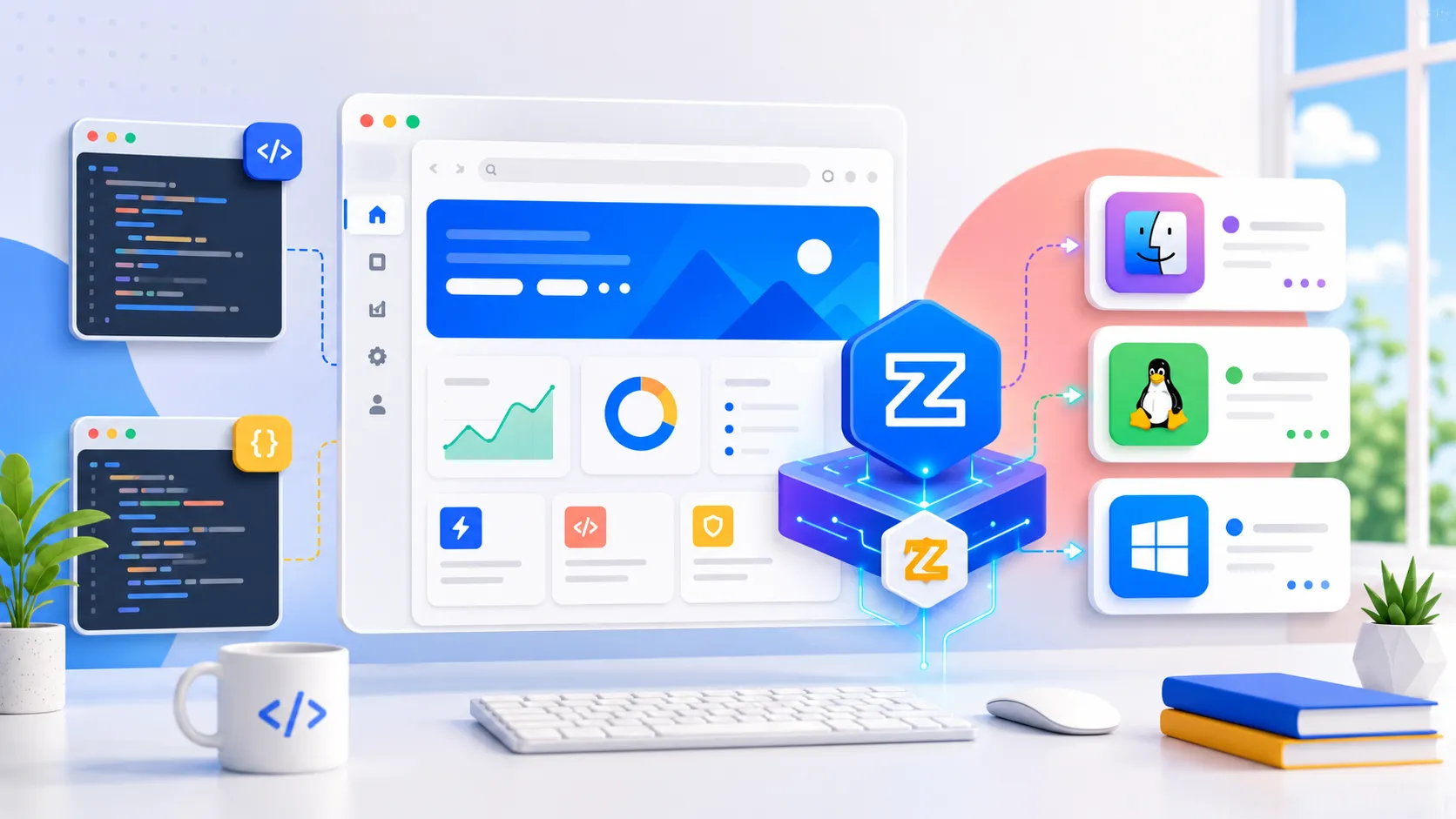
Why Zero-Native Got My Attention
It is not trying to shame web UI
The first thing I like is that zero-native does not pretend HTML suddenly became a mistake. The official repo describes it as a desktop app shell for modern web frontends, with system WebView as the lightweight path and Chromium through CEF when rendering consistency matters. That is a very practical split.
Most teams do not hate web UI. They hate shipping a tiny settings app that behaves like it swallowed a browser. They hate watching memory climb before the user even signs in. They hate explaining why an internal admin tool needs the same kind of footprint as a full IDE.
At the same time, those teams also hate rewriting tables, forms, modals, command palettes, and responsive layouts in a native toolkit just to win a cleaner Activity Monitor screenshot. The web ecosystem is not perfect, but it has ridiculous UI leverage. Zero-native seems to understand that. It keeps the leverage and challenges the shell.
That is the interesting bit.
The release timing matters
The latest GitHub release, v0.1.9, added Linux and Windows desktop build paths, platform-aware CEF tooling, Windows native host plumbing, and cross-platform runtime packaging coverage. That does not make it mature. The project still calls itself pre-release, and the docs are open about which pieces are in progress.
But the direction is clearer than a weekend prototype. macOS has the strongest story right now. Linux and Windows are moving. Mobile embedding examples exist. The repository also has framework starters for Next, React, Svelte, and Vue, which is exactly where JavaScript teams will poke first.
I would not bet a revenue-critical desktop app on it tomorrow. I would absolutely put it on the shortlist for a serious prototype.
The Electron Comparison Is Obvious But Incomplete
Electron buys predictability with weight
Electron is still the default mental model for web-based desktop apps because it bundles Chromium and Node.js into a cross-platform runtime. That bundled Chromium is not just baggage. It gives teams a stable rendering target, predictable APIs, and a huge amount of ecosystem comfort.
That is why “Electron is heavy” has never been enough of an argument by itself. Heavy compared to what? Heavy compared to a native Swift app, yes. Heavy compared to the cost of rebuilding a mature web product from scratch, maybe not.
Zero-native makes the tradeoff more specific. System WebView mode avoids bundling a browser runtime, so the shell can stay smaller and start faster. Chromium mode exists for the cases where the operating system WebView is not good enough. That feels less ideological than the usual debate. It is not “browser bad.” It is “choose the browser cost when it buys you something.”
Tauri already proved the appetite is real
Tauri has been pushing a similar instinct for a while: keep a web frontend, use the OS WebView, and put privileged work in a smaller native core. That appetite is real because developers want web productivity without always paying the full Electron tax.
Zero-native’s twist is Zig. That matters for a specific kind of team. If you are already comfortable near C APIs, platform SDKs, codecs, local services, or low-level packaging, Zig as the native layer is appealing. It can call C directly, it builds quickly, and it makes the shell feel closer to systems work than app framework glue.
I am not saying every React team secretly wants Zig in the repo. Many do not. Some should run away from that idea. But for developer tools, local AI utilities, media tools, terminal apps, database clients, and internal desktop apps with native edges, the pairing makes sense.
The Bridge Is Where This Either Works Or Hurts
WebView code should not be trusted by default
The part I cared about most was not the binary size pitch. It was the security model.
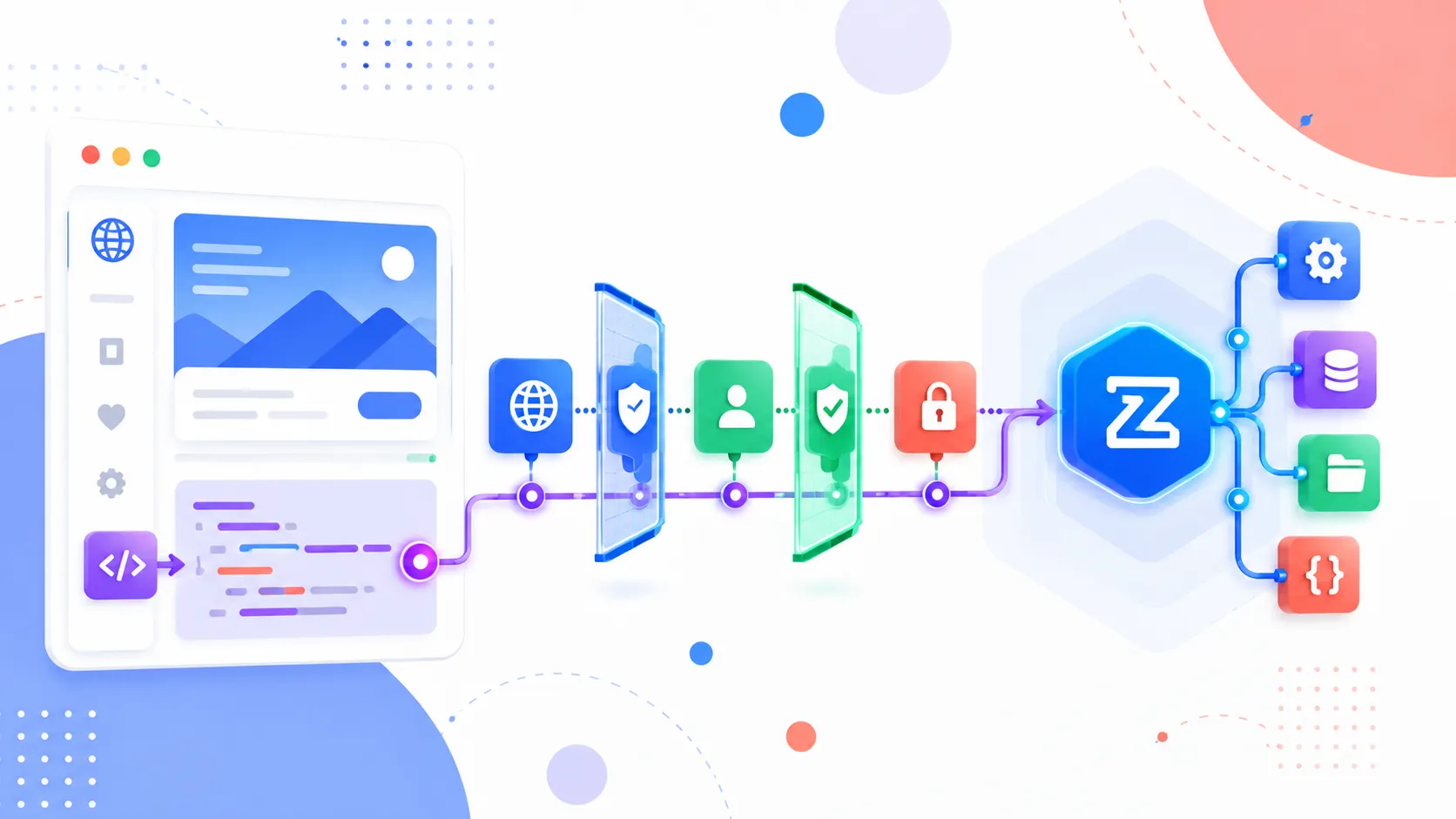
Zero-native treats the WebView as untrusted by default. Native commands are default-deny. Commands need explicit policy, origins, and permissions before they run. Navigation is allowlisted. External links are denied unless the app opts in. The JavaScript bridge has payload limits and rejects unknown or disallowed commands.
That sounds like boring policy machinery until you have debugged a desktop wrapper where the web layer slowly grew direct access to things it should never touch. Once a bridge becomes “just call native from JS,” every frontend bug starts feeling a little more expensive.
The zero-native docs show a window.zero.invoke() bridge with named commands, size checks, origin checks, and permission checks. That is the right shape. Whether the implementation holds up over time is a separate question, but the default posture is exactly what I want to see in 2026.
The boring config is the product
The app.zon manifest is where the pitch gets concrete. It declares metadata, windows, frontend assets, engine choice, permissions, capabilities, navigation policy, and bridge access. That sounds like config, but for app shells, config is product surface.
If a team can review the manifest and quickly answer “what native powers does this web UI have,” that is useful. If security review has to grep random bridge handlers and argue with undocumented runtime defaults, nobody has a good day.
This is also where I would be strict during adoption. Do not start by turning on broad permissions because the demo broke. Do not allow wildcard origins because local development was annoying. Do not let every command become a generic filesystem escape hatch. A small shell with a loose bridge is still a loose bridge.
Where I Would Actually Try It
Small developer tools are the obvious first test
The first practical use case is not a giant Slack replacement. It is a focused developer tool with a web UI and a few native powers.
Think log viewers, local database browsers, prompt workbenches, build dashboards, repo inspectors, model runners, token-cost monitors, or internal operations panels. The UI wants React or Svelte. The native side wants filesystem access, a tray icon, local networking, maybe a process runner. The app should feel light because users may keep it open all day.
That is where zero-native could be fun.
I would also compare it with the kind of runtime conversation we saw in the Bun Rust port debate. Different layer, same underlying tension: JavaScript teams like web ergonomics, but they increasingly want the boring systems parts to be faster, smaller, and more explicit.
The risky use case is pretending pre-release means done
The danger is obvious too. A shiny shell can make teams forget how much boring desktop work exists after “hello world.” Auto-updates, signing, notarization, accessibility, crash reporting, keyboard behavior, installer UX, GPU quirks, corporate device policies, sandboxing, Linux package formats, Windows Defender false positives. None of that disappears because the native layer is elegant.
Zero-native has docs for packaging, code signing, updates, testing, automation, and doctor checks. Good. Still, those are the parts I would stress before getting romantic about tiny binaries.
The second risk is team fit. If your team has zero Zig experience and no appetite for native debugging, Tauri or Electron may still be the saner choice. A smaller runtime does not help if every production issue becomes archaeology.
What I Would Watch Next
The winner will be the tool that makes edge cases boring
The desktop app shell market is not short on ideas. It is short on boring confidence.
Zero-native has a compelling shape: web UI, Zig runtime, selectable WebView engines, explicit bridge policy, and packaging that is trying to span macOS, Linux, Windows, iOS, and Android. That is a big promise for a young project. The fact that it is under Vercel Labs will make people pay attention, but attention is not the same as production readiness.
What I want to see next is less glamorous:
- real app case studies with cold start and memory numbers
- clear guidance for framework-specific production builds
- strict examples for bridge permissions and CSP
- reliable Windows and Linux packaging stories
- upgrade notes that do not strand early adopters
If those land, zero-native could become more than another “Electron alternative” headline. It could become a practical middle lane for web teams that want desktop reach without pretending native integration is free.
For now, my read is simple. Do not rewrite your Electron app because a new repo trended today. Do clone zero-native if your next tool is small, local, security-sensitive, and already wants a web UI. That is where this thing makes the most sense.
And honestly, that is enough to make Electron feel a little heavier than it did yesterday.