



Googlebook is the first AI laptop announcement this year that made me stop and squint at the operating system.
Not because Google said “AI laptop.” Everyone says that now. Microsoft says it. Qualcomm says it. Every PC vendor with a keynote slide says it. The interesting part is that Google is not pitching Gemini as a sidebar, a keyboard shortcut, or a Copilot clone taped onto the edge of a normal desktop. The pitch is much more aggressive: the cursor, the widgets, the phone bridge, and the whole laptop experience are supposed to orbit Gemini from day one.
That is either a real platform shift or the most expensive way to make a laptop feel like a notification panel with ambition. Honestly, maybe both.
The official Googlebook announcement says Google is moving from an operating system to an intelligence system. That line is doing a lot of work. It sounds like marketing, but it also tells developers exactly where to look. The question is not “can Gemini summarize a page?” The question is whether Google can make AI part of the desktop control plane without making the machine feel haunted by product demos.
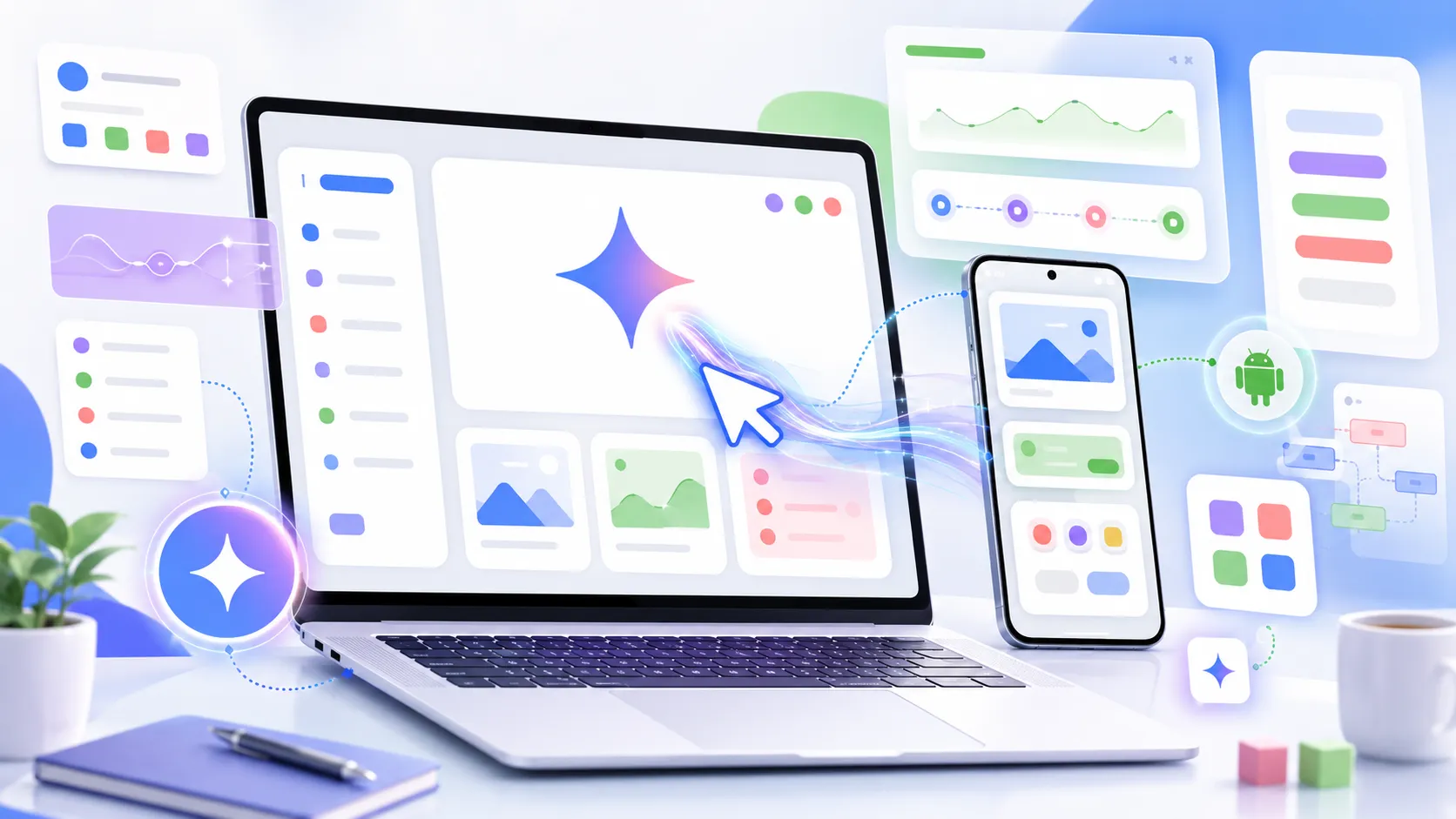
Googlebook Is Really A Gemini Laptop Strategy
The cursor is the tell
The feature that matters is Magic Pointer. Google says you can wiggle the cursor and get contextual Gemini actions based on what is under it. Point at a date in an email and create a meeting. Select two images and ask Gemini to combine or compare them. Hover around the screen and let the machine suggest what it can do.
That sounds small until you think about where developers spend the day. We already live inside IDEs, terminals, browsers, docs, dashboards, Slack threads, incident pages, cloud consoles, and half-finished notes. The cursor is the one input object that crosses almost all of that. If Google can attach a useful action layer to it, the laptop becomes less like a pile of apps and more like an ambient automation surface.
I am skeptical, but not dismissive. The cursor is a better AI entry point than another floating chat bubble. A floating chat bubble asks me to stop what I am doing and describe context that is already visible on screen. A cursor-level AI can, in theory, start from the visible object and let me refine. That is a better ergonomic bet.
The risk is obvious too. Contextual suggestions are only charming when they are rare, fast, and right. If the pointer starts twitching with low-confidence ideas every time I move across a Jira ticket, I will turn it off before lunch.
Create My Widget is the second clue
The other interesting piece is Create My Widget. Google says Gemini can search the internet and connect to Google apps like Gmail and Calendar to build a custom desktop dashboard from a prompt. Planning a trip, tracking reservations, building a countdown, pulling files together, that kind of thing.
For consumers, that is a neat productivity demo. For developers, it raises a bigger product question. Is the desktop going to become a place where apps expose stable surfaces for AI composition? Or is Google just going to privilege its own services and call that a platform?
That distinction matters. A real AI laptop needs more than Gmail and Calendar glue. It needs permission models, inspectable actions, app intents, logs, undo paths, and some way for third-party software to say, “here is what I can safely do.” Otherwise the AI layer becomes another proprietary automation island. Useful, maybe. Platform, not really.
The Android And ChromeOS Split Gets Weird
Google is not replacing the web with apps
According to TechCrunch, Googlebook brings together Android, ChromeOS, Gemini, and hardware partners like Acer, Asus, Dell, HP, and Lenovo, with devices expected in the fall. Google is also saying existing Chromebook users will keep support commitments, and some Chromebooks may transition to the new experience later.
That sounds tidy in a press quote. In practice, the transition is going to be messy.
ChromeOS won because it was boring in the right way. Browser first. Cheap hardware. Easy admin. Harder to ruin than a normal desktop. Schools and many workplaces did not buy Chromebooks because they were aspirational machines. They bought them because they were manageable machines.
Googlebook is a different pitch. Premium hardware. Gemini at the core. Android apps. Phone app casting. Phone file access. A glowbar. It is not trying to be the same machine with a better wallpaper.
That is why I do not think developers should read this as “Chromebook, but with AI.” It is closer to “Android finally gets a laptop-shaped throne, and Gemini gets to sit on top.”
Android apps on laptops still need discipline
PCWorld was blunt about the danger: an Android-heavy laptop can quickly feel like a laptop running phone apps. That concern is fair.
We have all used desktop experiences where the app technically opens but behaves like it was dragged across form factors by force. The spacing is wrong. Keyboard shortcuts are weird. Window resizing exposes layouts nobody tested. File pickers feel alien. Background behavior changes. Notifications get noisy.
If Googlebook is serious, Google needs to make large-screen Android app quality non-negotiable. Not “it runs.” Not “it scales.” Real laptop behavior. Menus, shortcuts, drag and drop, file handling, external displays, multi-window, accessibility, developer tools, managed deployment, and sane offline behavior.
The funny thing is that this is where developers may care more than average buyers. A normal user can forgive rough edges if the top five apps work. A developer notices immediately when an OS is just good enough for demos but awkward for real work.
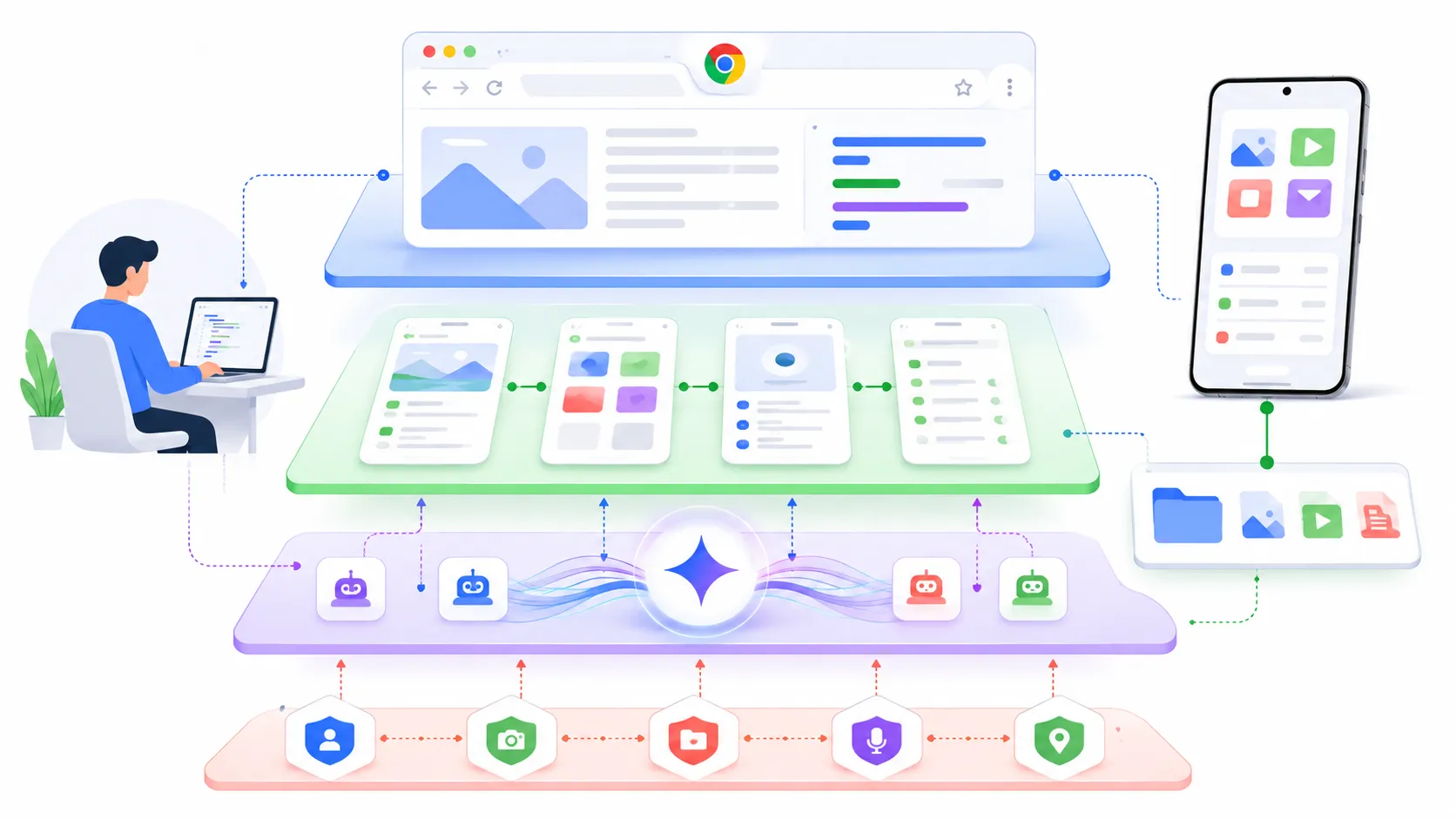
Developers Should Watch The Trust Boundary
The AI layer wants permissions
The moment Gemini can act across apps, files, email, calendar, browser content, and phone data, Googlebook becomes a trust-boundary story. That is the part I care about most.
An assistant that summarizes a web page is one thing. An assistant that can read what is under the cursor, open a phone app, pull a file from your Android device, create a meeting, and generate a dashboard is operating much closer to user intent. That can be genuinely useful. It can also become a quiet permissions mess.
For developers and IT teams, the questions are boring but necessary.
- What exactly can Magic Pointer inspect?
- Are screenshots, DOM content, app text, and files treated differently?
- Can enterprises disable specific Gemini actions without disabling the whole machine?
- Is there an action log that normal users can read?
- Can a third-party app expose safe actions without handing the AI layer too much state?
- What happens when Gemini is wrong but the action succeeds?
None of these questions mean Googlebook is bad. They mean Googlebook is not just a laptop announcement. It is an agentic interface announcement wearing a laptop shell.
The phone bridge is convenient and scary
The Android phone integration is probably the feature most people will understand first. Open phone apps on the laptop. Access phone files from the laptop file browser. Stay in flow without grabbing the phone.
That is a good feature. I would use it.
I would also want very clear boundaries. Phone files are not just files. They include screenshots, IDs, tax PDFs, downloaded invoices, private photos, exported chats, authenticator backups, and random junk that only exists because mobile apps still make data portability weird. If Googlebook turns phone storage into a laptop-accessible workspace, permission clarity has to be excellent.
There is a broader ecosystem angle too. Apple has trained users to expect tight phone-laptop continuity. Microsoft keeps trying with Phone Link. Google has Android scale, Chrome scale, and now Gemini as the agent layer. If this works, it could become the most convincing reason to stay inside Google’s ecosystem since Gmail stopped feeling optional.
That is the part competitors should worry about.
Why This Hit The News Cycle So Fast
It is not just another AI PC label
The reason Googlebook trended across TechCrunch, Ars-style gadget coverage, PCWorld skepticism, GeekNews, and Reddit is not that another vendor said “AI” on stage. It is that Google is touching three sensitive nerves at once.
First, Chromebook has a real installed base and a real reputation. People know what it means, even if they do not love it. Second, Android on desktop has been rumored, debated, and half-attempted for years. Third, Gemini is no longer just a chatbot brand. Google wants it woven into Search, Android, Chrome, Workspace, and now the laptop itself.
That combination creates instant arguments. Is this the end of ChromeOS? Is it a premium Chromebook? Is Android ready for desktop? Is Gemini useful enough to be a system layer? Is Google going to abandon the name in three years? Can developers actually build for it? All of those arguments are good traffic because they are not fake arguments. They are the real adoption questions.
Reddit reaction is already split in the predictable way. Some people like the idea of a Google-built Android laptop. Some people hate the name. Some immediately ask whether Linux can run on it. Some see a Chromebook rebrand. Some see a Gemini delivery vehicle. That spread is a useful signal. The product is legible enough to argue about.
The timing before Google I O matters
Google announced this just before Google I O 2026, which means the developer story is still incomplete. That is fine, but it also means I would not rush to treat Googlebook as a finished platform. Right now it is a strong directional signal.
The developer checklist I want at I O is pretty simple:
- A clear app model for laptop-class Android experiences
- Gemini action APIs with permission scopes
- Admin controls for schools and companies
- A debugging story for Magic Pointer and widgets
- Offline behavior that does not collapse into “try again later”
- A believable migration path for current Chromebook fleets
I care less about the glowbar, even if it looks fun. I care more about whether a developer can understand what the AI layer is allowed to see and do.
If you have been following the local AI tool side, this connects nicely with the earlier post on Rapid MLX and local AI on Macs. That post was about local inference becoming fast enough to change workstation habits. Googlebook is the other side of the same pressure: the operating system itself wants to become an AI runtime surface.
The Part I Would Watch Next
Developer machines need boring guarantees
Would I buy a first-generation Googlebook for development work? Probably not immediately.
That is not because the idea is weak. It is because developer machines need boring guarantees before they need clever ambient AI. I need terminals that behave. Containers that are not awkward. Package managers that do not fight the OS. Browser devtools. VPNs. SSH keys. Filesystem semantics that do not surprise build tools. Fast sleep and wake. External monitor sanity. A clear path to Linux workflows.
If Googlebook nails those basics and adds Gemini as a genuinely useful control layer, then yes, it gets interesting fast. If it treats the basics as legacy desktop baggage and leans too hard on Gemini demos, developers will admire the keynote and keep using Macs, ThinkPads, and whatever Linux box already works.
The strongest version of Googlebook is not “a laptop where AI pops up everywhere.” That sounds exhausting. The strongest version is a laptop where the OS understands enough context to remove small bits of coordination work without stealing control.
That is a hard product line to walk.
My current bet
My current bet is that Googlebook will matter even if the first hardware generation is uneven. It gives Google a cleaner story for AI-native personal computing than bolting Gemini into old ChromeOS screens forever. It gives Android a more serious desktop path. It gives PC vendors a new premium platform to experiment with. And it forces developers to think about AI as an OS surface, not just a model API.
I still dislike the name. Googlebook sounds like someone lost a branding argument in a meeting with too many calendars open.
But the product idea is worth taking seriously. If Gemini moves from app assistant to desktop action layer, the laptop stops being a neutral box that runs software. It becomes a broker between user intent, app state, cloud services, phone data, and model output.
That is a much bigger change than another benchmark slide.
Now I want to see the boring parts.